What is the best alternative to RoadReady?
GoTime is widely considered the best alternative to RoadReady. It offers automatic GPS tracking, smart day/night detection, true family sync across multiple devices, support for multiple teen drivers, and DMV-ready exports — all completely free with no subscriptions. It's built for modern families who need more than a basic hour tracker.
How do I transfer my RoadReady driving log to GoTime?
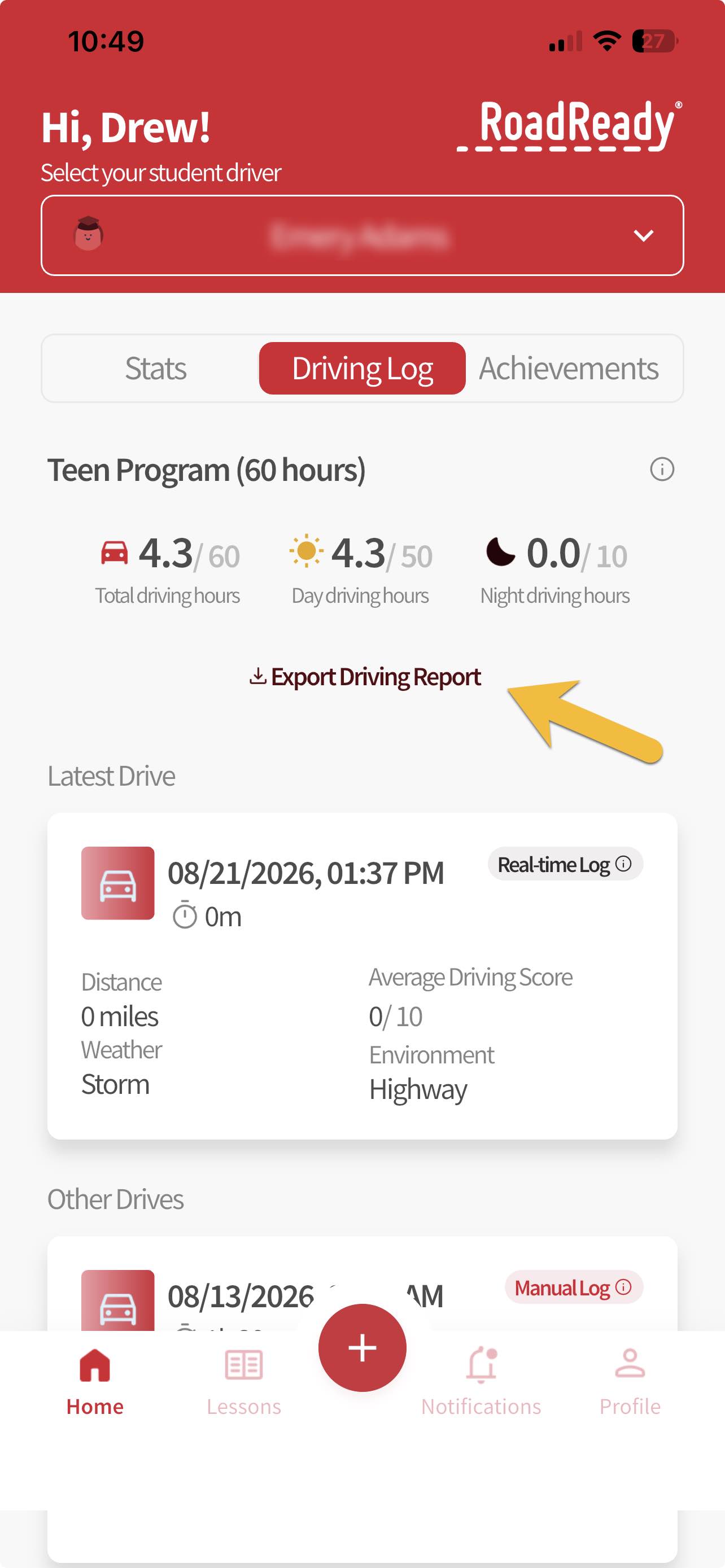
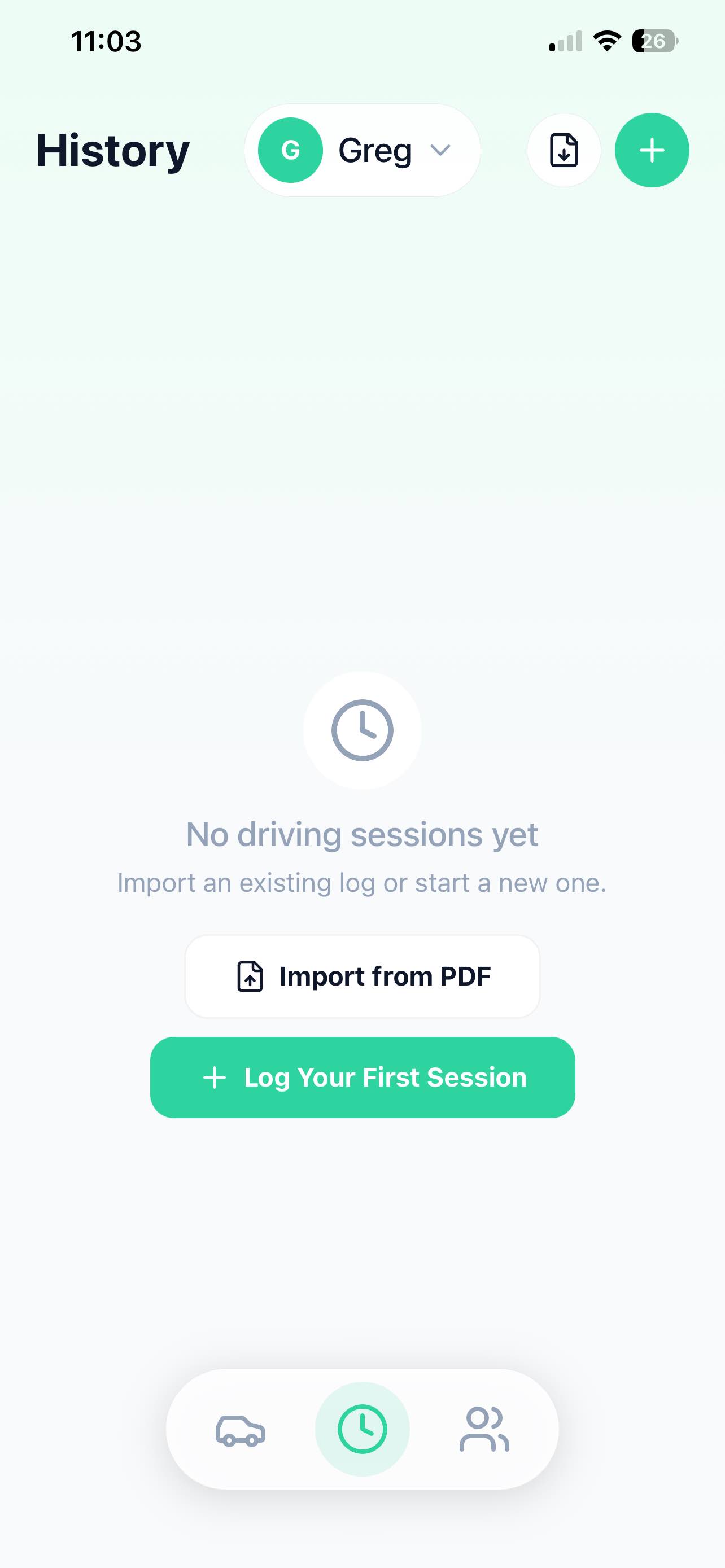
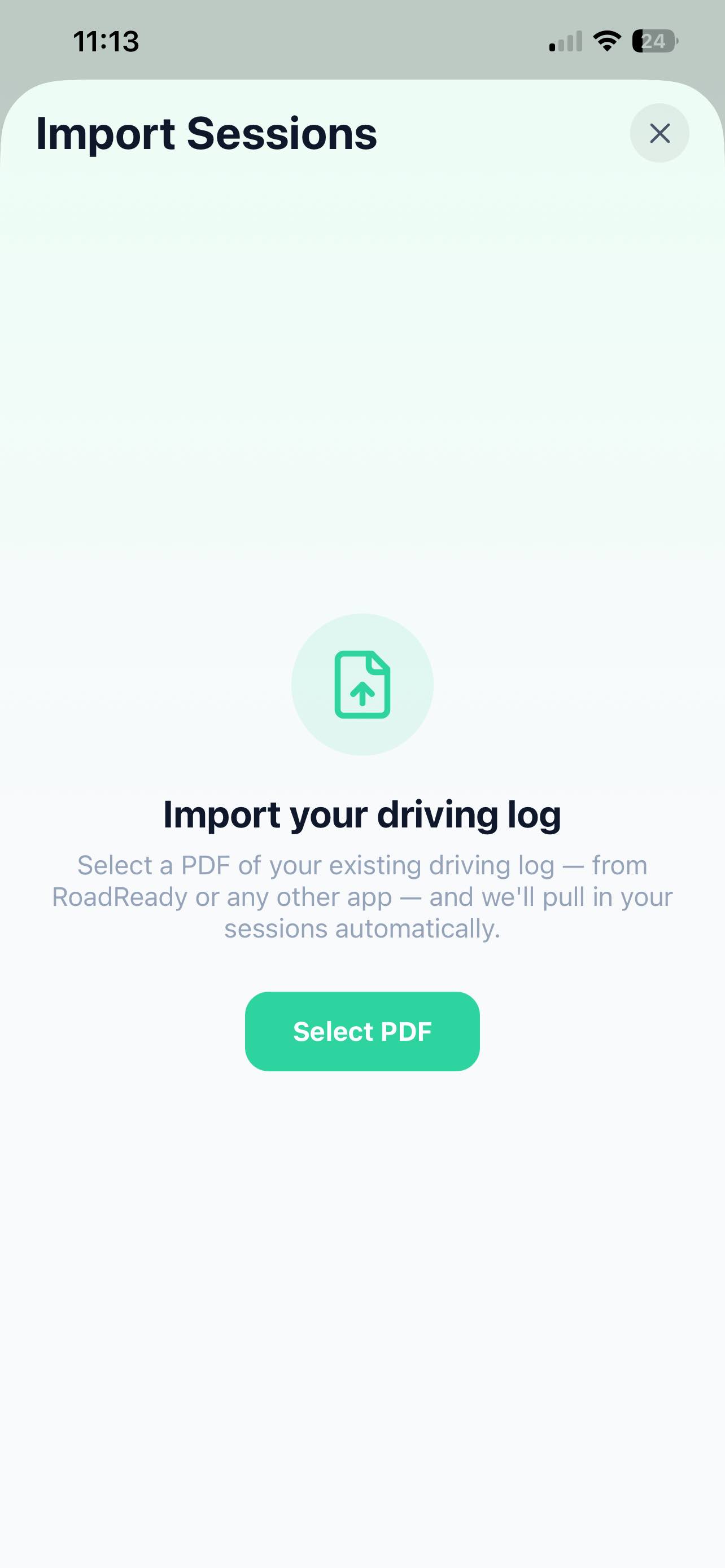
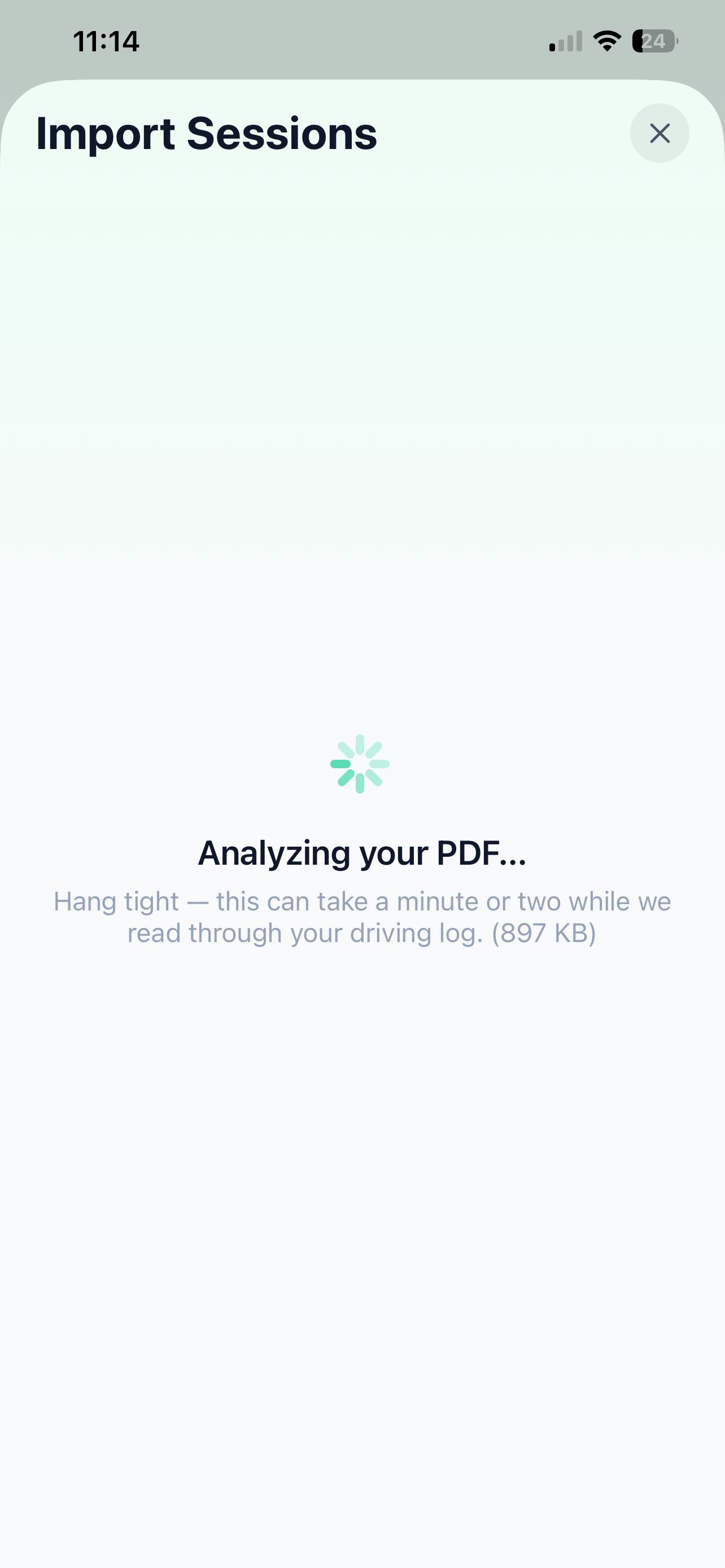
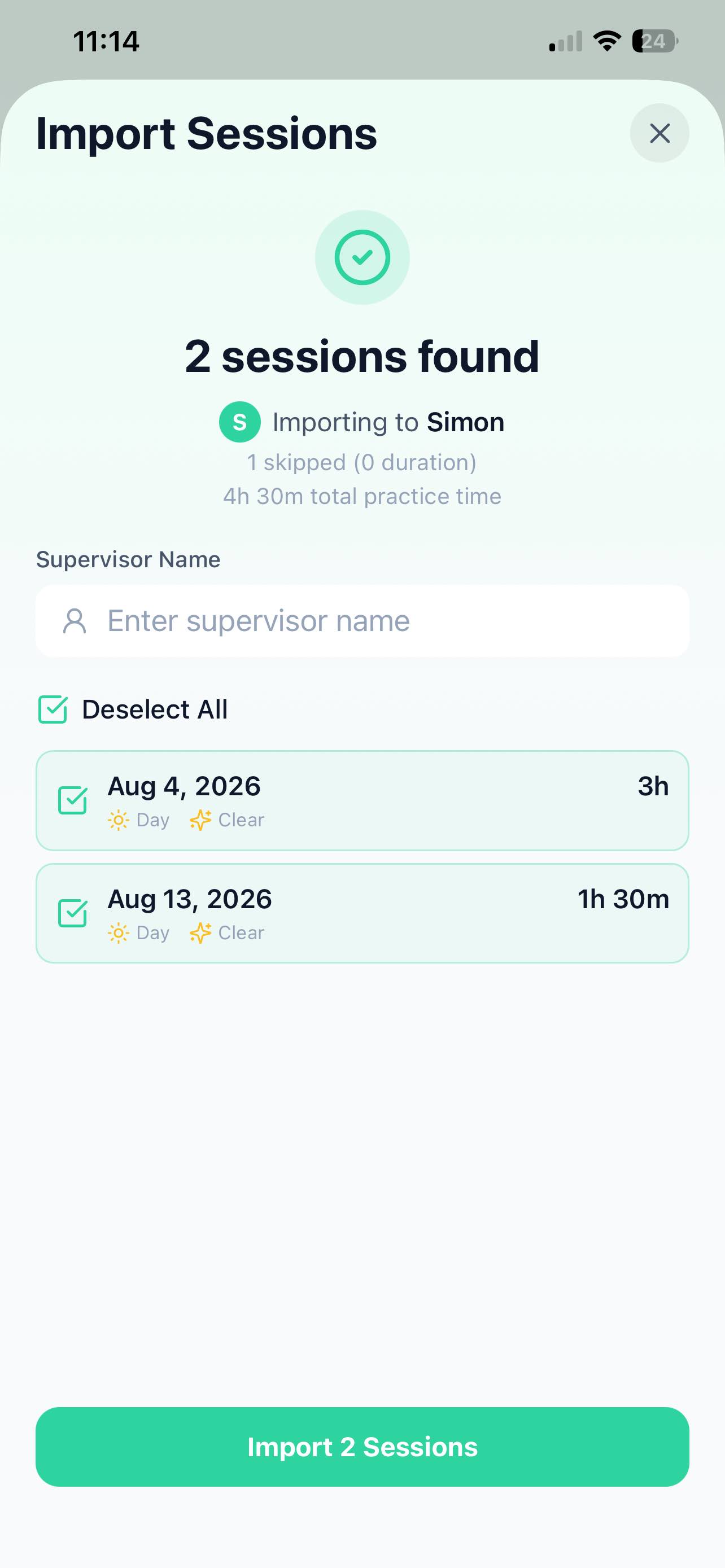
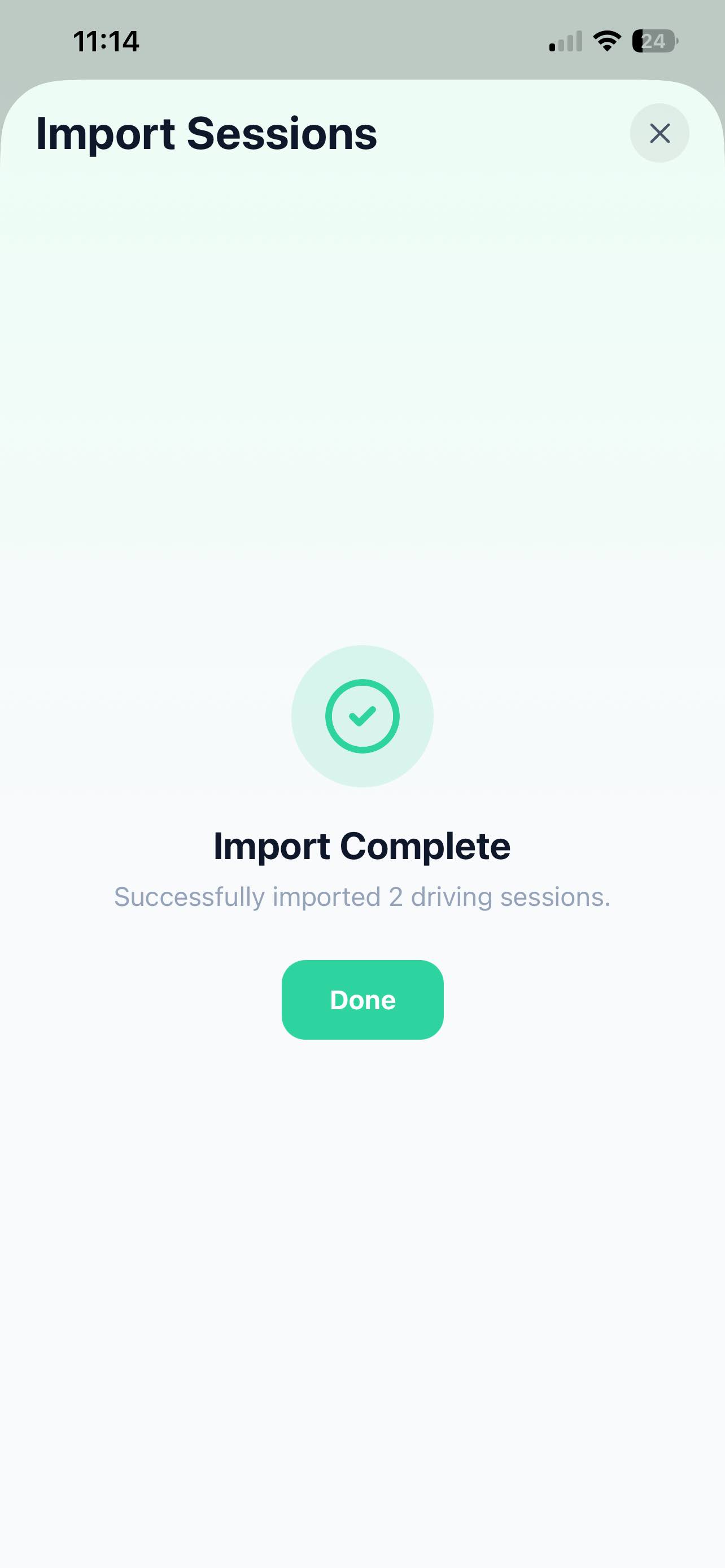
Transferring your log is easy. First, export your driving history from RoadReady as a PDF. Then open GoTime, go to Settings, and select Import from PDF. Pick your exported file and GoTime automatically pulls in all your sessions — dates, times, and hours — so you pick up right where you left off. No manual re-entry required.
Can I import my RoadReady driving hours into GoTime?
Yes. GoTime can import your RoadReady driving hours directly from a PDF export. Just export your log from RoadReady, then use GoTime's Import from PDF feature to bring in all your recorded sessions automatically.
Can I keep my existing RoadReady driving hours when switching to GoTime?
Absolutely. You don't have to start over. Export your RoadReady log as a PDF and import it into GoTime. All your accumulated hours, dates, and session details carry over, so your teen's progress toward their state requirement stays intact.
Is GoTime better than RoadReady?
For most families, yes. GoTime adds automatic GPS tracking, accurate automatic day/night categorization, true family sync so multiple supervisors can log from their own devices, support for multiple teens in one app, accurate weather and road-type capture, Live Activities on iPhone, and encryption in transit and at rest. Both apps are free, but GoTime is built for the way families actually drive today.
Does GoTime automatically track driving hours?
Yes. Just tap Start Driving and GoTime uses GPS to automatically track drive time and distance. When the session ends, everything is saved instantly — no manual math, no forgetting to stop the timer, no calculating how long the drive was afterward.
Can multiple parents or driving supervisors use GoTime?
Yes. GoTime supports true family sync. You can add Mom, Dad, grandparents, and driving instructors to a single family group. When one supervisor logs a session on their phone and another logs a session on theirs, both automatically roll up into one unified, accurate record for your teen.
Can I track more than one teen with GoTime?
Yes. GoTime supports multiple teen drivers in a single app. Each teen gets their own profile with separate progress tracking, session history, and supervisor access, so you can manage permits for your whole family in one place.
Is GoTime available on both iPhone and Android?
Yes. GoTime is free on iOS and Android. If you are on Android specifically, our Android driving log guide covers the background-tracking setup. You can download it from the Apple App Store for iPhone or Google Play for Android, and family members can use either platform within the same family group.
What information can I transfer from RoadReady to GoTime?
GoTime's PDF import pulls in each session's date, start time, duration, and total hours, along with any day or night classification recorded in RoadReady. Anything not captured in the exported PDF can be added or corrected in GoTime afterward.
Do I need to manually enter my old RoadReady drives?
No. The whole point of the import is to save you from re-entering hours by hand. Once you export your RoadReady log as a PDF and import it into GoTime, your past sessions are brought in automatically. You may want to review them for accuracy, but manual entry isn't required.
Can I import my RoadReady driving log more than once?
Yes, you can import more than once — for example, if you exported an earlier version of your log and later added more sessions in RoadReady. Just import the updated PDF and GoTime will bring in the sessions. If you're concerned about duplicates, review your imported history after each import and remove or merge any repeats.
Can I edit imported driving sessions in GoTime?
Absolutely. Once a session is imported, it behaves just like any session logged directly in GoTime. You can open it and edit the date, time, duration, day/night classification, weather, road type, supervisor, and notes — or delete it entirely if needed.
Can I transfer my teen's RoadReady log if I wasn't the person who originally created it?
Yes, as long as you can access the exported PDF. Anyone with the RoadReady export file can import it into GoTime. Once imported, the sessions live in your GoTime family group, and you can assign them to your teen's profile so all the hours count toward their state requirement.
Will my day and night driving hours transfer?
Yes. If your RoadReady export records whether each session was day or night, that classification carries over during import so your night-hour totals stay accurate. If a session's classification is missing or unclear, you can set it manually in GoTime afterward.
Will my total driving hours remain the same after importing?
Yes. Importing brings in every session with its original duration, so your cumulative total hours stay the same. After import, it's a good idea to glance at your progress dashboard to confirm the totals match what you had in RoadReady, and adjust any individual session if something didn't come through perfectly.